From a short brief to a month of planned content.
The customer makes the decisions. The software does the repetitive preparation in between. Every step is visible, editable and attributed to a person.
Evidence, not theatre
Real local tests. Clearly separated from customer production.
We show what was actually exercised in the private preview, and what remains switched off. No live customer publishing is claimed.
- 1
- real AI generationcontrolled local test; live AI off
- 2
- real Facebook postscontrolled local test; publishing off
- 36
- industry suggestionsplus a custom industry
- 0
- customer live-publishing pathsproduction remains gated
Four steps, with the human in charge.
There is no blank page and no design software to learn. The studio proposes, you decide, and every stage stays visible.
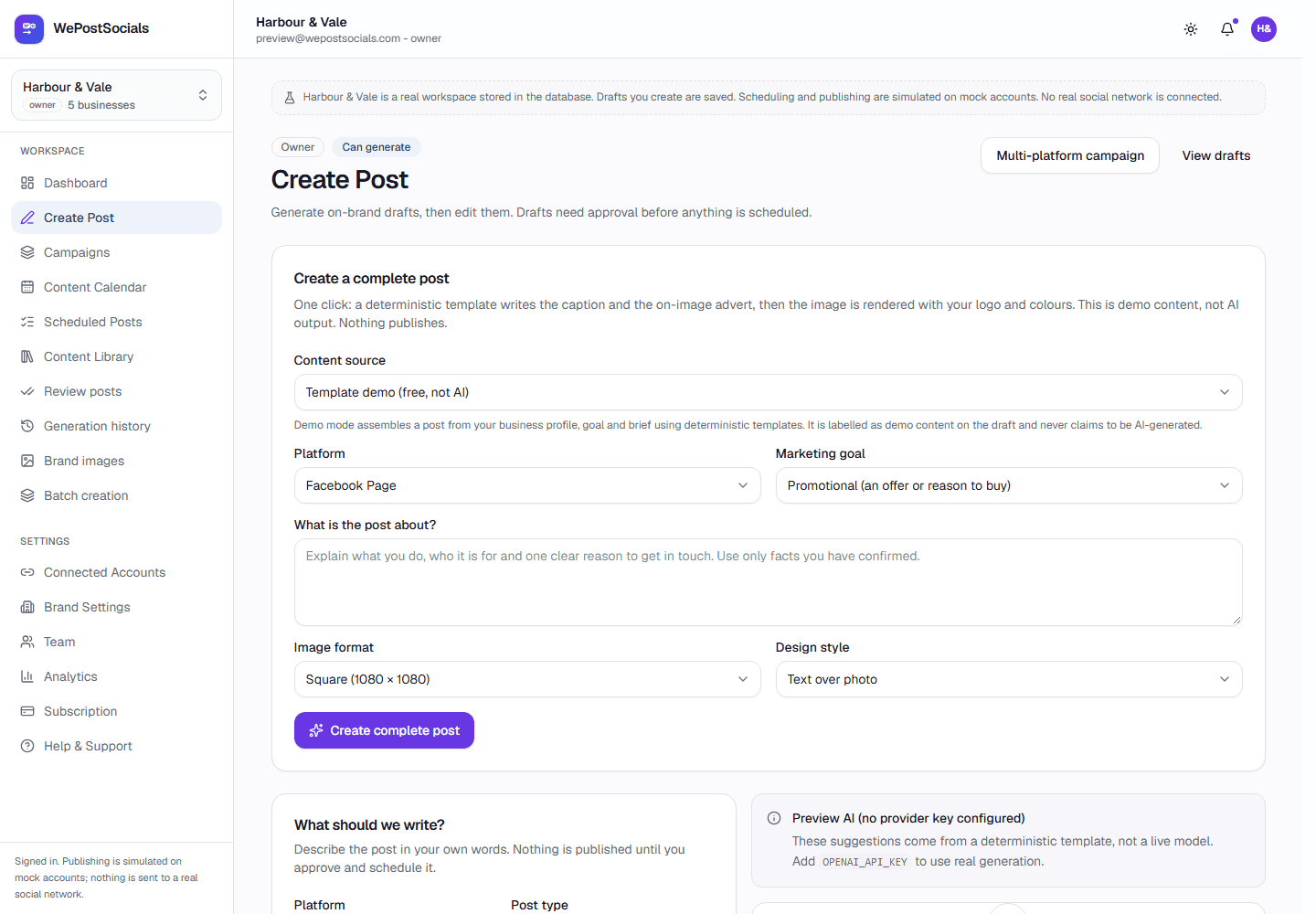
Start with the business, not an empty box
Add your website and a sentence about what you do. The studio proposes a positioning, likely audience and three content pillars. You correct anything that is wrong, and nothing publishes from this step.
A few minutes · nothing is posted
Build the brand kit once
Upload your logo, choose your colours and pick a heading style. Those become rules for every image, so a post created six months from now still looks like the same business.
Applied by the image pipeline automatically
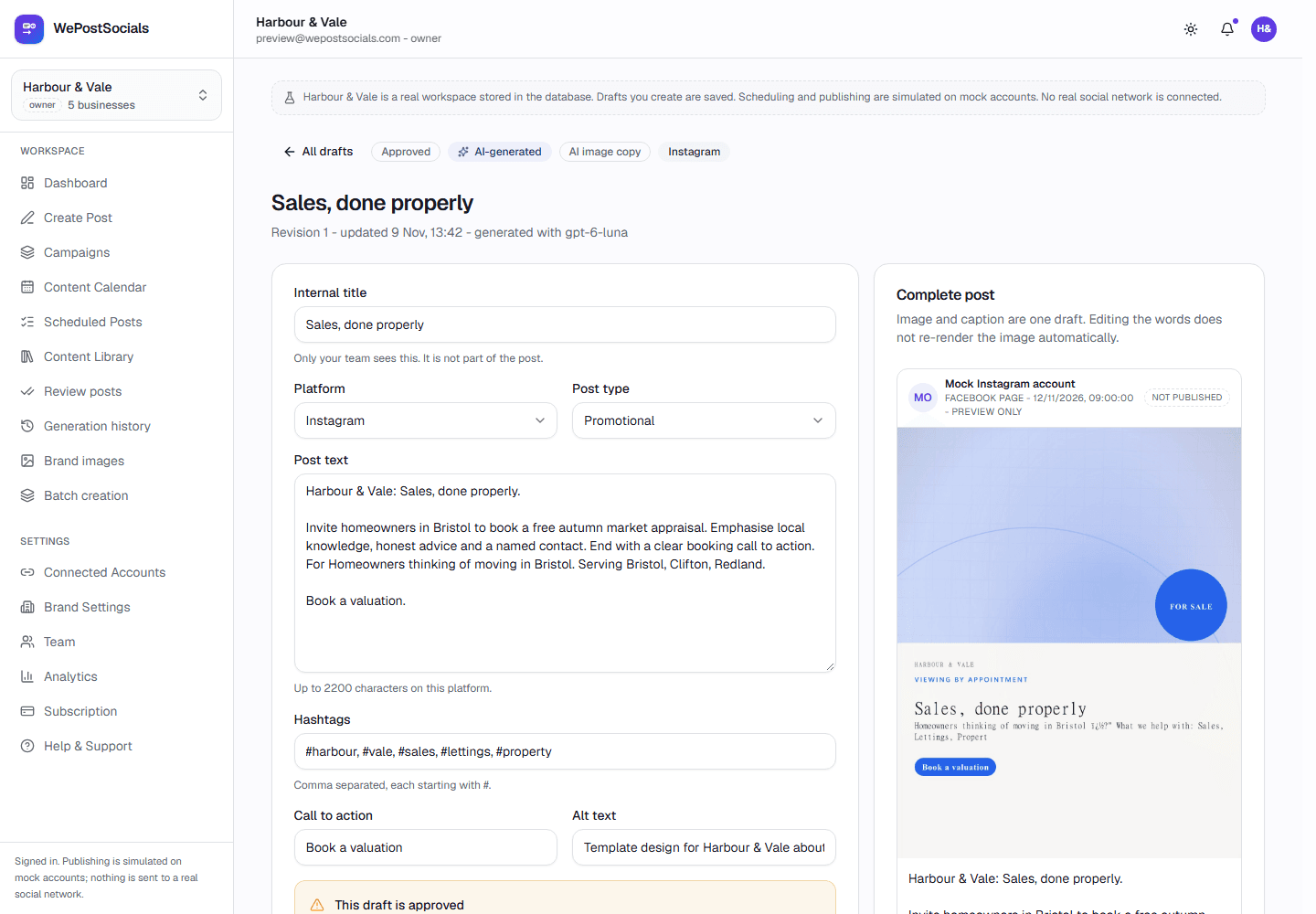
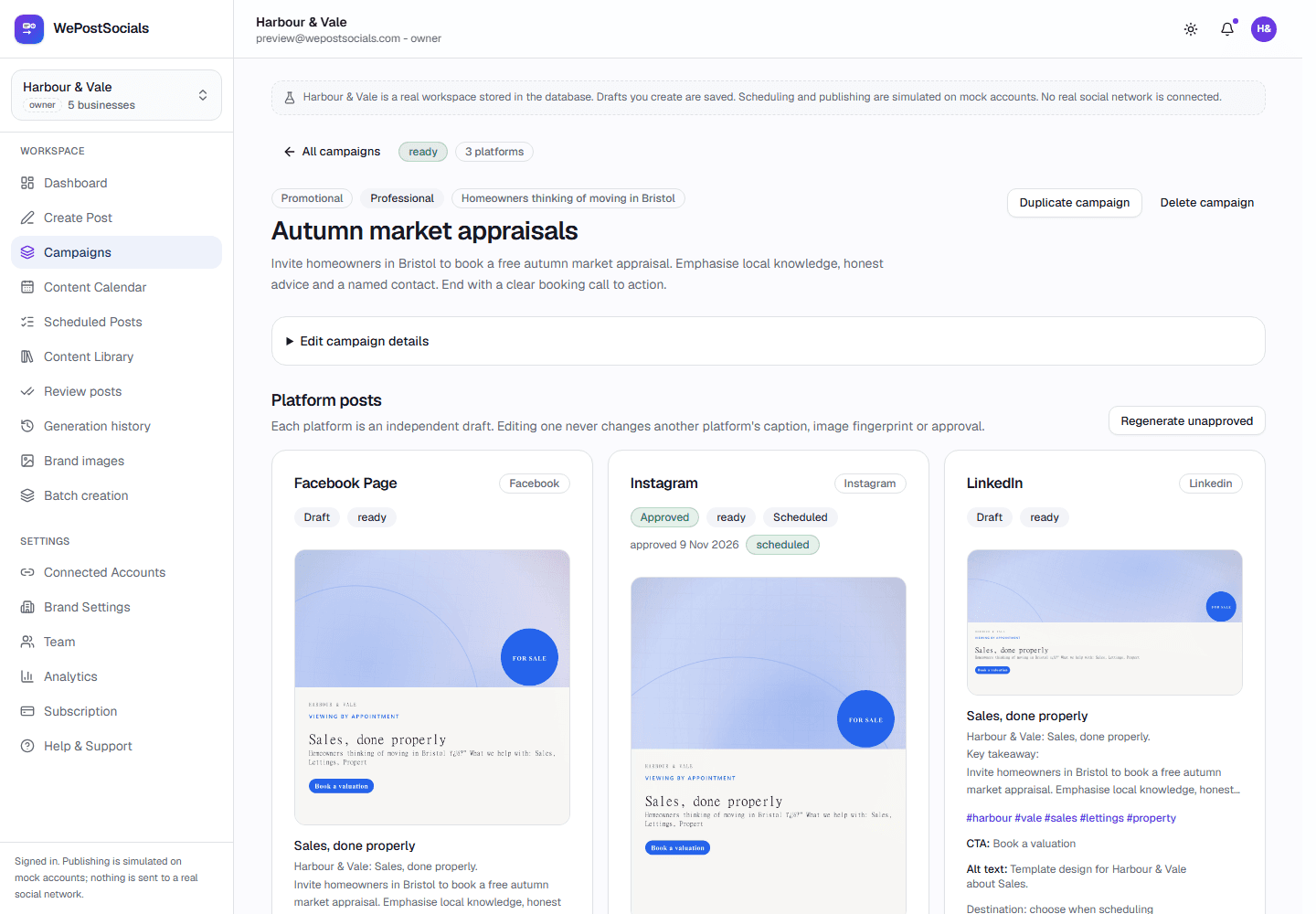
Review drafts in plain English
Drafts arrive with a version for each channel, suggested hashtags and alt text. Shorten a post, change the angle, swap the image, or reject it with a reason so the rewrite learns what you did not like.
You keep final approval by default
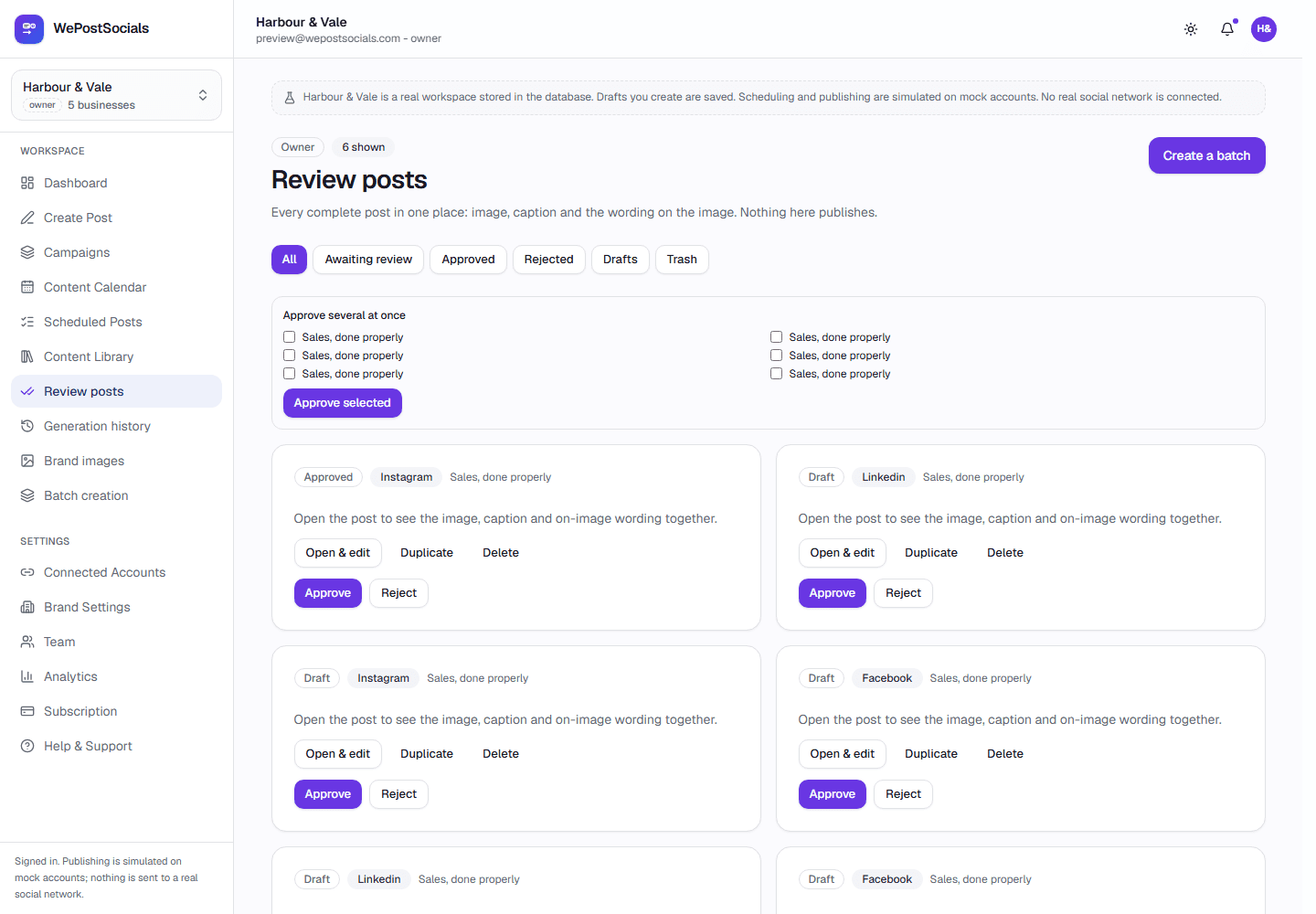
Approve, then plan the calendar
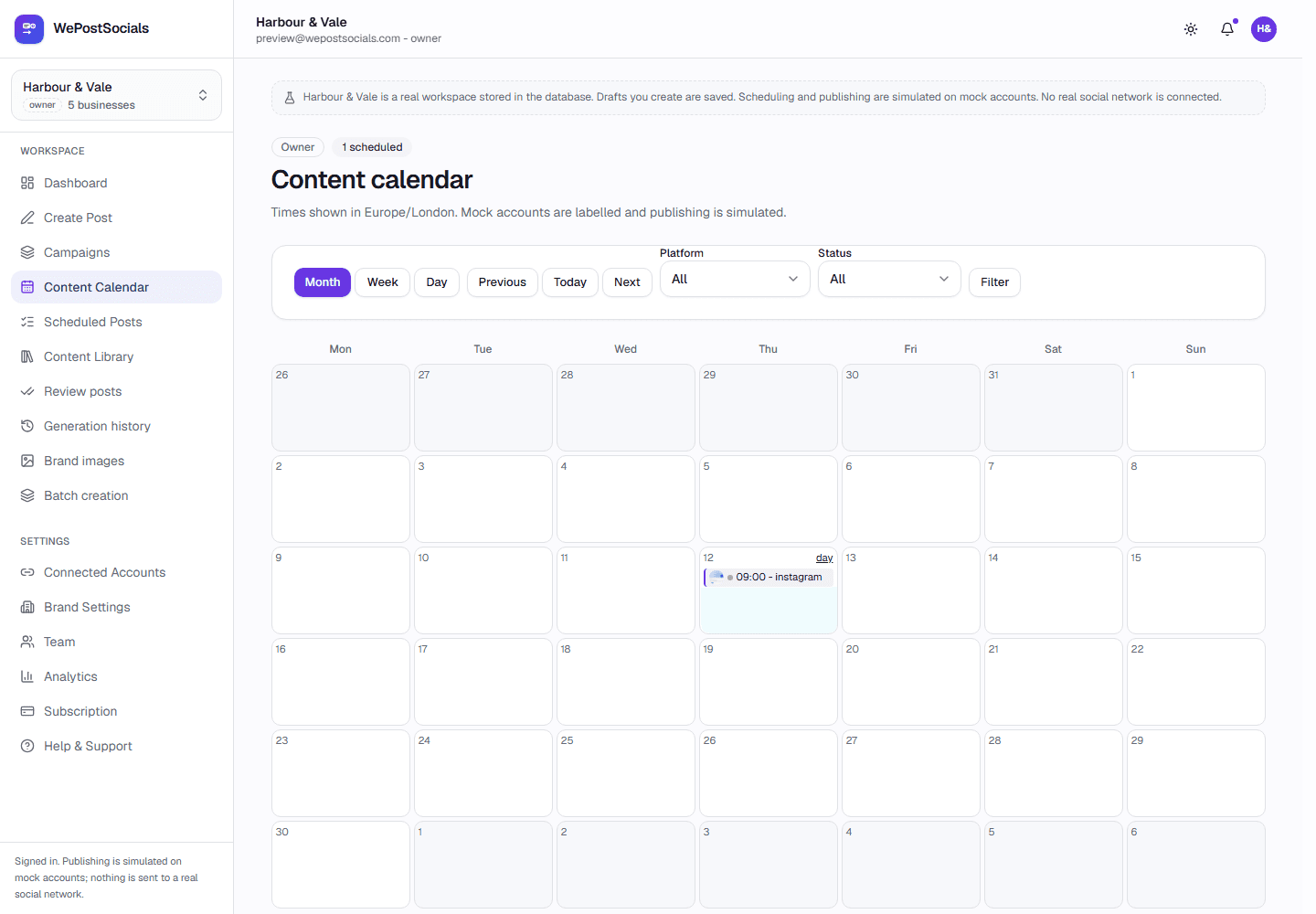
Choose the channels and times that fit your week. Approved posts sit in the queue until their moment. In this preview, channels are simulated; controlled Facebook publishing has been verified, but production publishing is off.
Approval recorded · calendar in your timezone
What happens after you press approve.
This is the part customers never see, and the part that decides whether a product is trustworthy.
Approval is on by default. A change to the words or image invalidates the old approval, so a schedule can never inherit a decision made about different content.
01Approved
A named person approved the post. The time and channels are recorded.
02Queued
A durable job is created for each channel in the same transaction as the post.
03Publishing
One worker claims the job, so two workers can never publish the same post.
04Published
The platform's post ID and link are stored when a live channel is enabled.
05Needs attention
If the outcome is unclear, the post stops and asks a human to check. It is never retried blindly.
What works in this preview.
We would rather show you an honest shell than a demo that secretly does nothing.
- Accounts, onboarding, brands, approvals, campaigns and scheduling work in this local preview.
- One controlled real OpenAI generation completed locally; live AI and production moderation remain off.
- Branded template images render locally; paid generative AI images are planned, not active.
- Two real Facebook Page posts succeeded in a controlled local test; production publishing is off.
- Instagram and LinkedIn adapters exist, but no real publication has been verified.
- Nothing can be purchased and no card is collected.
Publishing is not open to customers
The queue, retries and duplicate protection are implemented and tested. Facebook publishing was verified with two controlled Page posts on 4-5 November 2026, then switched off. Instagram and LinkedIn have adapters but no verified real publication.
Why approval comes first
An AI draft can be close to right and still be wrong about a price, a date or a claim. Approval is therefore part of the default workflow, and the person who approves is recorded against the post.
- Approval required unless you deliberately opt out per brand
- Rejection reasons feed the next draft
- A full record of who changed what
Bulk planning · local preview
Create a year's worth of social media content today.
Plan, generate, review, approve and schedule months of content in advance — for your business or every client you manage. Purchased packages will make the whole contracted AI allowance available at the start of the term.
- Monthly, 3-, 6- and 12-month terms
- All five paid plans supported
- Per-client branding and calendars
- Approval stays in the workflow
The prepaid planner and simulated packages are implemented locally. Billing is not connected, checkout is not available and no card is collected. No discounts are implied.
Prepaid terms
Monthly
One month of the plan allowance
3 months
3× the canonical monthly AI allowance, allocated immediately
6 months
6× the canonical monthly AI allowance, allocated immediately
12 months
12× the canonical monthly AI allowance, allocated immediately
Available on
Starter · Pro · Agency 10 · Agency 20 · Agency 50. Free Creator remains £0 and unchanged. No monthly allowance is invented or multiplied beyond the canonical plan definition.
Six plans · one catalogue
Give every post a clear next step.
Compare Free Creator, Starter, Pro and the three agency packages. Billing is not connected, no card is collected and the preview remains honest about what is switched off.
- Approval before publishing
- Evidence-led status
- No card required